• Games
  • Avatar Shop
  • Create
  • Robux
  • Search "" in Players
  • Search "" in Games
  • Search "" in Catalog
  • Search "" in Groups
  • Search "" in Library
  • Sign Up
  • Games
  • Avatar Shop
  • Create
  • Robux

Login to Roblox

-

Login to start using "Robux Hack."

  • About Us
  • Jobs
  • Blog
  • Parents
  • Help
  • Terms
  • Privacy

©2020 Roblox Corporation. Roblox, the Roblox logo and Powering Imagination are among our registered and unregistered trademarks in the U.S. and other countries.

Progress
Starting Roblox...
Connecting to Players...

Check Always open links for Roblox and click Open Roblox in the dialog box above to join games faster in the future!

Gameplay sponsored by:
Loading 0% - Starting game...
Get more with Builders Club! Join Builders Club

Thanks for playing Roblox

  • 1

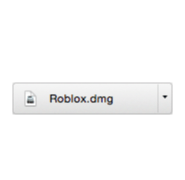
    Click Roblox.dmg to run the Roblox installer, which just downloaded via your web browser.

  • 2

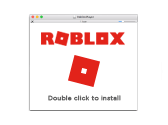
    Double-click the Roblox app icon to begin the installation process.

  • 3

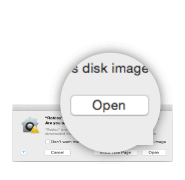
    Click Open when prompted by your computer.

  • 4

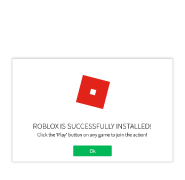
    Click Ok once you've successfully installed Roblox.

  • 5

    After installation, click Play below to join the action!

    Play
The Roblox installer should download shortly. If it doesn’t, start the download now.
generic image
generic image
Processing...